Select an area
Select a region on the map, enter coordinates, or choose the full Earth.
Generate Minecraft Java worlds from real geography. Choose a region, set the scale, and adjust terrain, water and vegetation.

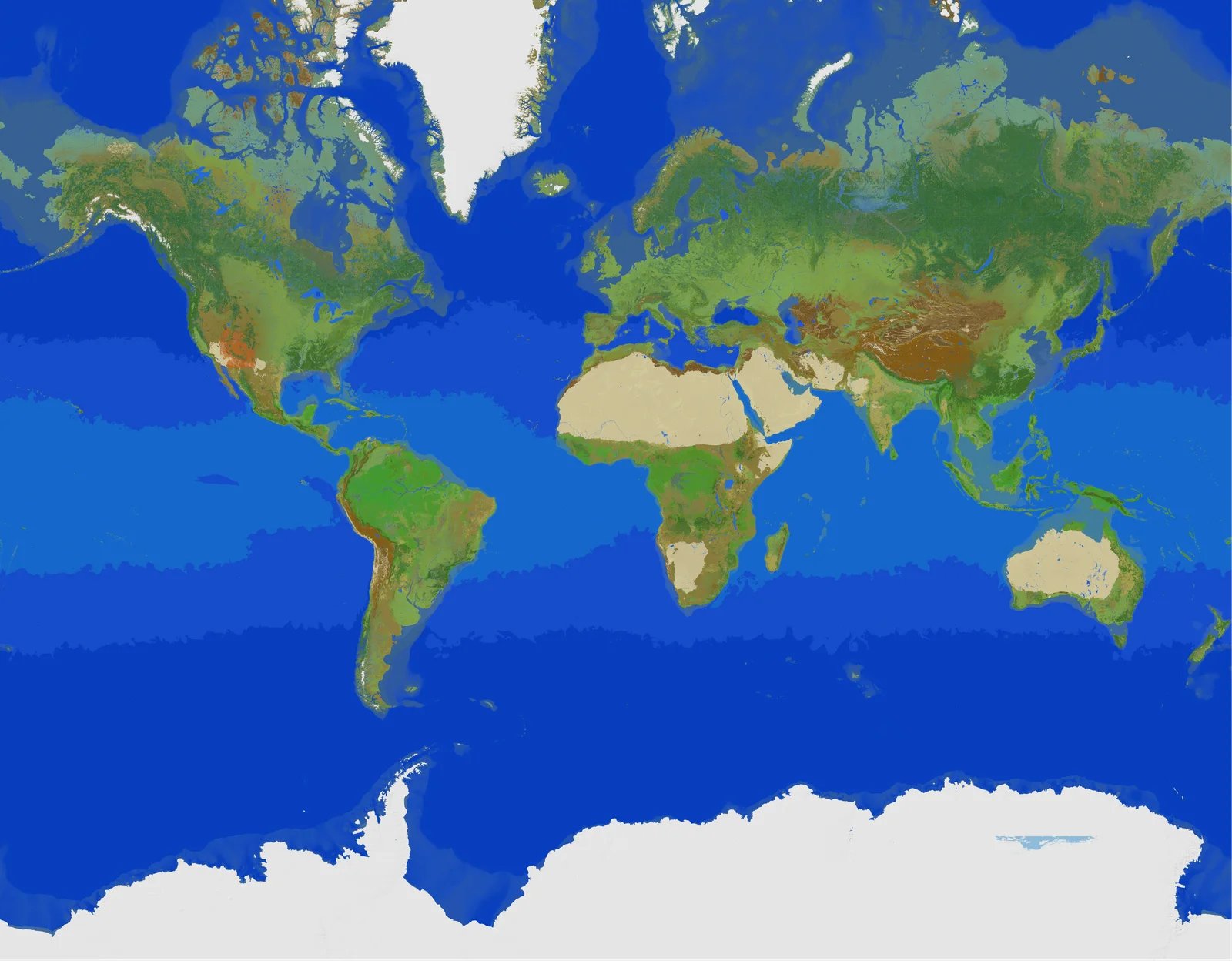
 IN-GAME LANDSCAPE
Select a region on the map, enter coordinates, or choose the full Earth.
Set the scale, elevation, water depth and vegetation. Check the size estimate before starting.
The app generates the world on your computer. Open the result in Minecraft Java.
| Feature | Earth Tiles | Earth2MC | MC Earth Maps |
|---|---|---|---|
| Minecraft Java export | 1.19 and below | 26.2 | 26.3 |
| Terrain, water & vegetation controls | ✓ | ✓ | ✓ |
| Custom coordinate selection | × | ✓ | ✓ |
| Full 0.25–5,000 m per block scale range | × | × | ✓ |
| 300+ custom regional assets & trees | × | × | ✓ |
| Native Windows app with bundled tools | × | × | ✓Linux GUI joins the desktop downloads with 1.0.8 |
| Save projects & unfinished drafts | × | × | ✓ |
| Resume supported jobs after closing | × | × | ✓ |
| User-approved application updates | × | × | ✓ |
| Weekly maintenance & updates | × | × | ✓ |
| Geographic data coverage checks & repair | × | × | ✓ |
Pay once and generate worlds with MC Earth Maps for life. Application updates are included. Generation runs on your own hardware; hosted compute is not included.
Already own it? Download$49.99 USD once
One-time purchase. No subscription or renewal.
An EarthMC account is required.
Your existing monthly plan stays unchanged until you upgrade or cancel. Buying lifetime access cancels your MC Earth Maps monthly subscription after payment, without an additional charge or prorated refund. See the terms and refund policy.
Yes. Large or detailed worlds require more memory, storage and generation time. Check the estimates before starting.
A Windows or Linux computer, an EarthMC account with lifetime access or an existing active subscription, and internet access for sign-in and geographical data. The generation engine is included; no separate WorldPainter installation is needed. Linux GUI requires Python and desktop libraries; see the download instructions. Minecraft Java is required to play the resulting world.
Saved projects retain your settings. Supported generation jobs can be paused and resumed.
After online verification, the app can be used offline for up to 24 hours. Downloading uncached geographic data still requires internet access.
Account-linked usage and diagnostics include a random installation ID, OS and app versions, jobs, exports and error signatures. Computer names, world contents and local file paths are not collected. See our privacy policy.